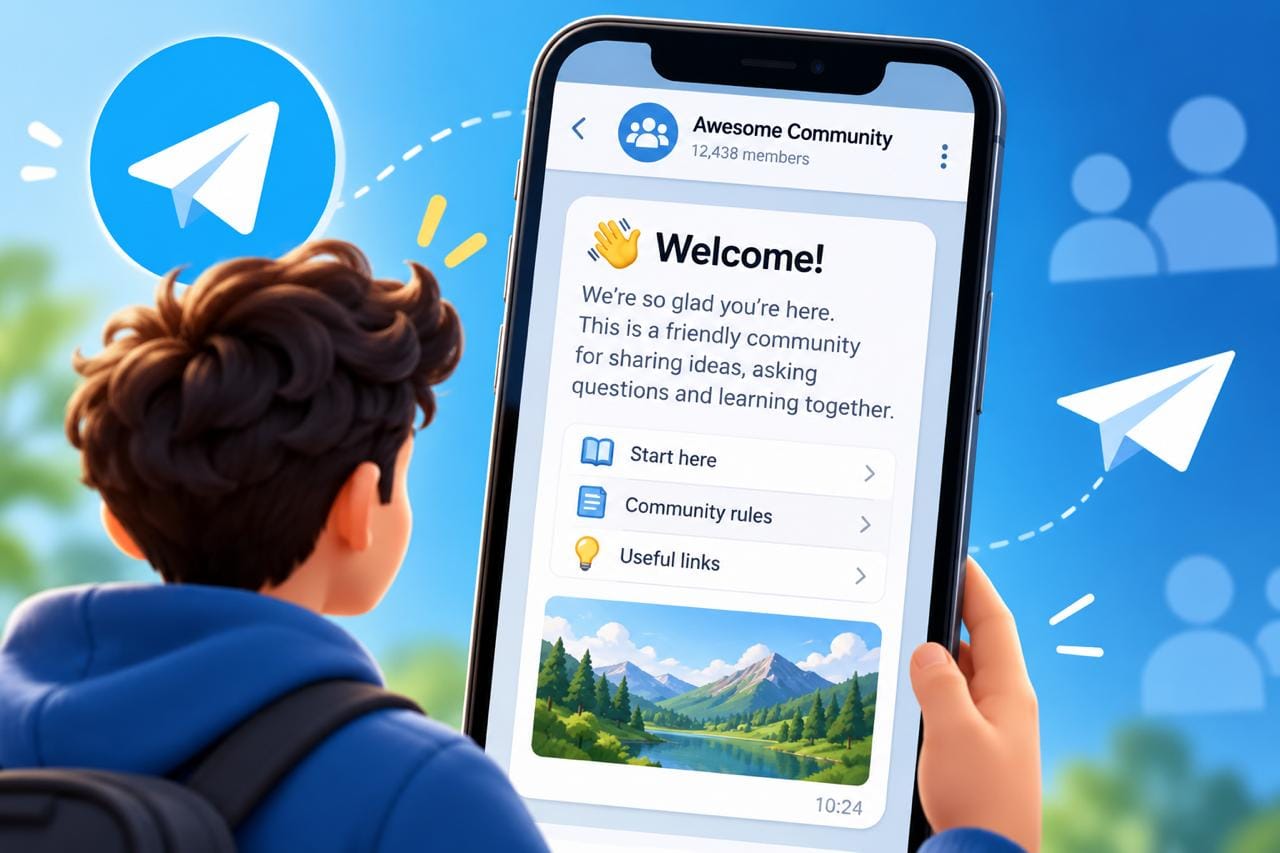
Short answer: A Telegram welcome message is a native feature, added on 25 August 2026, that lets the owner of a group or channel set one or more messages that only new members see when they join. You set it from the chat's profile under Edit → Welcome Message. It needs no bot, and it doesn't post anything into the chat for the people who are already there. It works best as a short orientation: what the chat is for, what to read first, and the one rule or action that matters.
For years, greeting new members on Telegram meant adding an admin bot and accepting a public "Welcome, @name!" in the chat every time someone joined. In a busy group that turns into noise very quickly. The native welcome message fixes that, because the greeting is shown to the new member and nobody else. Below I cover how to set it up, what Telegram has and hasn't documented about it, how it compares with the older options, and six templates you can adapt for your own channel or group.
What a Telegram welcome message is (and what it isn't)
Telegram describes it as a way for chat owners to send messages that are visible only to new members. You build a small "welcome pack" once, and Telegram shows it to each person as they join. Existing members don't see it, and it doesn't push older posts out of view. The official announcement puts it plainly: no bots are required.
Three things it is not, because people mix them up:
- It isn't a pinned message. A pin is visible to everyone, all the time. A welcome message is private to the person joining.
- It isn't a Telegram Business greeting. Business greetings are automatic replies in private chats with your own account. Welcome messages are for groups and channels.
- It isn't a growth tool. It does nothing until someone has already decided to join. Its job is to make that first minute in the chat count.
How to set up a welcome message in a Telegram group or channel
The setup is the same for groups and channels. According to Telegram's own instructions, you open the chat's profile, go to Edit, then Welcome Message, and send the messages you want new members to receive.
- Open the group or channel and tap its name at the top to open the profile.
- Tap Edit.
- Choose Welcome Message.
- Send the message or messages you want new members to see. Text, photos, videos and formatting all work here.
- Leave the screen, then join the chat from a second account to see exactly what a newcomer sees.
Two practical notes. First, the announcement says "chat owners" can do this, so if you're an admin and can't find the option, the owner may need to set it. Second, button labels can differ slightly between Android, iOS and desktop. If the option is missing altogether, update the app before assuming the feature isn't available to you.
I'd always do the step 5 test. A welcome pack that looks tidy in the editor can still read badly on a small phone screen, and the second-account check takes less than a minute.
What you can put in a welcome message
Telegram calls it a pack for a reason: you can send several messages, not just one. Based on the announcement and the editor update that came before it, here's what's supported:
- Multiple messages. Useful for splitting "what this is" from "where to start".
- Media. A photo, a short video or an album can sit inside the pack.
- Rich formatting. The welcome pack supports the formatting from Telegram's newer text editor, including tables and media placed inside the text.
That editor arrived in July 2026 with headings, lists, quotes, tables and code blocks. When it launched, Telegram said the Rich Text Editor was available to Premium users only. In the August update, the editor opens from an expand icon (⛶) that appears once you've typed more than three lines. If you don't see that icon, you can still write a perfectly good welcome message with ordinary bold, italics and links. The fancy layout is optional, and in my view a welcome message rarely needs a table anyway.
Who sees the welcome message, and when
The documented part is simple: new members see the pack when they join, and it's visible only to them. Telegram frames it as a way to greet people without cluttering the chat for others, so the members who were already there aren't shown it.
Several situations aren't covered by the announcement, so I won't guess at them:
- Whether someone who leaves and rejoins sees the pack again.
- Whether people approved through join requests see it at the moment they're accepted.
- Whether it appears for people who join through a Telegram Community rather than a link.
- Whether there's a limit on the number of messages in a pack.
If any of these matter to your setup, test them with a second account. It's the only way to know how the feature behaves on your chat today, and Telegram does change details after launch.
One related detail from the same update: Telegram added placeholders for new features that an outdated app can't display, with a button to update. I'd expect members on very old app versions to be the ones who don't get the full experience, which is another reason to keep the essentials in plain text.
Welcome messages compared with welcome bots and other options
Before August 2026, chat owners had three ways to greet people. Each still has a place, but they do different jobs.
| Option | Where it works | Who sees it | What you need | Best for |
|---|---|---|---|---|
| Native welcome message | Groups and channels | Only the new member, when they join | Owner access, no bot | Orientation: what the chat is and where to start |
| Telegram Business greeting | Private chats with your account | People messaging you for the first time, or again after a quiet period you set | Telegram Business, included with Premium when it launched in 2024 | Support and sales conversations |
| Admin bot greeting | Groups | Usually everyone in the chat, unless the bot deletes it | A third-party bot with admin rights | Verification steps and rules acceptance |
| Pinned message | Groups and channels | Everyone, at any time | Admin rights to pin | Permanent reference: rules, links, FAQs |
The Business greeting message is the one people confuse most often. It answers people who contact you directly. If someone joins your group, it does nothing. If someone messages your personal or business account, the welcome pack does nothing. Many owners will want both.
My own rule of thumb is simple. The welcome message orients, the pin is the reference, and a bot only stays if it does something the native feature can't, such as a captcha. Running a bot greeting alongside the native one just welcomes people twice.
What a good welcome message does in the first ten seconds
Most new members will read the first lines and decide whether to stay, mute or leave. So the first message has to stand on its own. Here's what I put in, in this order:
- One sentence on what the chat is. Not the brand story, just the promise: what gets posted here and how often.
- One place to start. A link to the best post, a guide, or the pinned message. One link, not five.
- The one rule that matters most. In most groups that's "no promotion" or "admins never message you first". The full rules can live in the pin.
- One small action. Introduce yourself, react to the latest post, or turn on notifications for important updates. Pick one.
Everything else is optional. If the pack doesn't fit on one phone screen, it's probably doing too much.
Telegram welcome message templates
These are starting points, not copy to paste unchanged. Swap the brackets for your own details and cut anything that doesn't apply. Each one follows the same structure: what the chat is, where to start, the rule, and one action.
1. News or updates channel
Welcome to [Channel name]. We post [topic] updates [how often], with the important ones marked 🔔.
New here? Start with [link to best or pinned post].
If you only want the big announcements, mute the channel and we'll keep 🔔 posts to [number] a week.
2. Crypto or trading channel
Welcome to [Channel name]. We share [market analysis / project updates] for [market or project]. Nothing here is financial advice.
Important: our admins will never message you first, ask for your seed phrase, or offer "guaranteed" returns. Anyone who does is impersonating us.
Official links only: [website] · [chat link]. Start with [link to the guide or pinned post].
In crypto, the impersonation warning is the most useful line in the whole pack. A new member is at their most trusting in the first minutes after joining, which is exactly when a fake "admin" message would land, so the warning is placed where it's needed. I go into this further in my guide to growing a crypto Telegram community.
3. Learning group or course community
Welcome to [Group name], a group for people learning [skill].
Start here: [link to the first lesson or resource list].
Ask questions anytime. The only rule: keep it on topic and no selling.
Tell us in one line what you're working on, so others know who's here.
4. Brand or shop channel
Thanks for joining [Brand]. This is where we post [new products / restocks / offers] first.
Need help with an order? Message [support account] rather than replying here, so we can find your order quickly.
Our current guide or catalogue: [link].
5. Private or members-only group
You're in. Welcome to [Group name].
Three things first: read the pinned rules, don't share content from this group outside it, and use [topic or thread] for introductions.
If you have any problem with access, message [admin account].
6. A channel's discussion group
Welcome. This group is where comments on [Channel name] posts appear.
Reply to any post to join the conversation. Please keep comments about the post and don't add links to other channels.
Full channel: [channel link].
The discussion group is easy to forget, because most people arrive there by tapping "Comments" under a channel post. If you haven't linked one yet, I explain the setup in my guide on how to enable comments on a Telegram channel. A two-line welcome pack there sets the tone for your comment section before the first reply is written.
How long should a welcome message be?
Short enough to read without scrolling on a phone. In practice that means two or three messages of a few lines each, or one message with a small image. Anything longer belongs in the pin or in a guide you link to.
There's a temptation to use the new editor's headings and tables to build a full handbook. I wouldn't. People join a chat to see the chat, and a long pack sits between them and what they came for. The welcome message should answer "what is this and where do I start?" and then get out of the way.
Mistakes to avoid
- A wall of rules. Ten rules in the first message means none get read. Put one in the welcome and the rest in the pin.
- Asking for something big straight away. "Invite five friends" or "leave a review" before someone has read a single post feels like a toll gate.
- Stale details. Dates, offers and event links age quickly. Put a reminder in your calendar to reread the pack every month or so.
- Too many links. Every extra link splits attention. One "start here" link is easier to act on than a menu.
- Greeting twice. If an admin bot still posts a public welcome, turn that part off once the native pack is live.
- Skipping the test. Always join from a second account and read it as a stranger would.
What a welcome message won't do
A welcome message improves what happens after someone joins. It doesn't bring anyone in, and it won't lift views on its own. If very few people are joining, the work is upstream: discovery, cross-promotion and the content itself, which I cover in my guide on how to grow a Telegram channel. For a brand-new group, some owners seed the first members so the chat doesn't look empty, and if you go that route, our Telegram group members page explains how delivery works.
The honest way to judge a welcome pack is to watch what new members do in their first week. Are they reacting, commenting, or muting straight away? Our free Telegram engagement rate calculator is a quick way to compare a few weeks before and after you add one. It won't isolate the welcome message perfectly, but a clear change is worth noticing.
Where I'd start
If you set this up today, I'd keep it to three steps:
- Write one message with three lines: what the chat is, one "start here" link, and your most important rule.
- Add it under Edit → Welcome Message, then join from a second account and read it on your phone.
- If you have a discussion group, give it its own two-line pack, then remove any bot greeting that duplicates it.
That's enough to make the first minute in your chat clearer than it was yesterday. You can always add an image or a second message later, once you've seen how new members respond.
Frequently asked questions
How do I set a welcome message in a Telegram group?
Open the group's profile, tap Edit, then choose Welcome Message and send the messages you want new members to see. The same steps work for channels. No bot is needed.
Can I add a welcome message to a Telegram channel, not just a group?
Yes. Telegram's August 2026 update made welcome messages available for both groups and channels. New subscribers see the pack when they join, and existing subscribers don't.
Do existing members see the welcome message?
No. Telegram shows the welcome pack only to new members when they join, so it doesn't clutter the chat for the people who are already there.
Can admins set the welcome message, or only the owner?
Telegram's announcement says chat owners can set it. If you're an admin and can't find Welcome Message under Edit, ask the owner to set it up.
Can a welcome message include images and formatting?
Yes. You can send several messages with media, and use the formatting from Telegram's newer text editor, including tables and media inside the text. The editor launched as a Premium feature, so ordinary bold, italics and links are the safe choice if you don't see it.
Is a welcome message the same as a Telegram Business greeting message?
No. A Business greeting replies automatically when someone messages your account in a private chat. A welcome message greets people who join your group or channel. They solve different problems, and you can use both.
Do I still need a welcome bot?
For a simple greeting, no. Keep a bot only if it does something the native feature doesn't, such as a captcha or a rules check, and turn off its public greeting so new members aren't welcomed twice.
How long should a Telegram welcome message be?
Short enough to read on a phone without scrolling: two or three short messages at most. Cover what the chat is, one place to start and the most important rule, and leave the full rules in the pinned message.